Rogue User Guide
A free, game-ready hooded rogue for Unreal Engine 5.
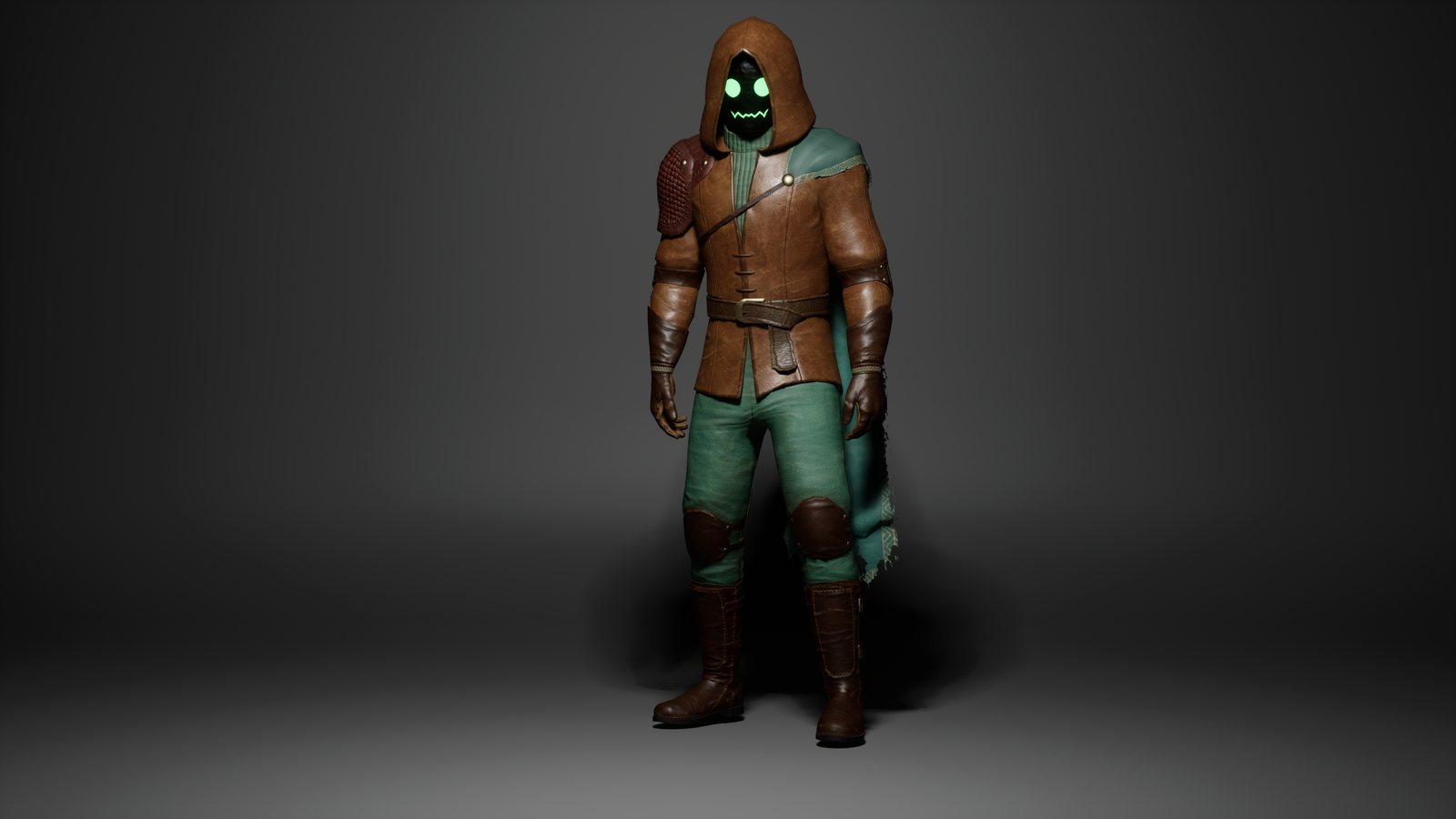
Quick start
- Get the Rogue free on Fab and add it to your project, or open the included UE5 project.
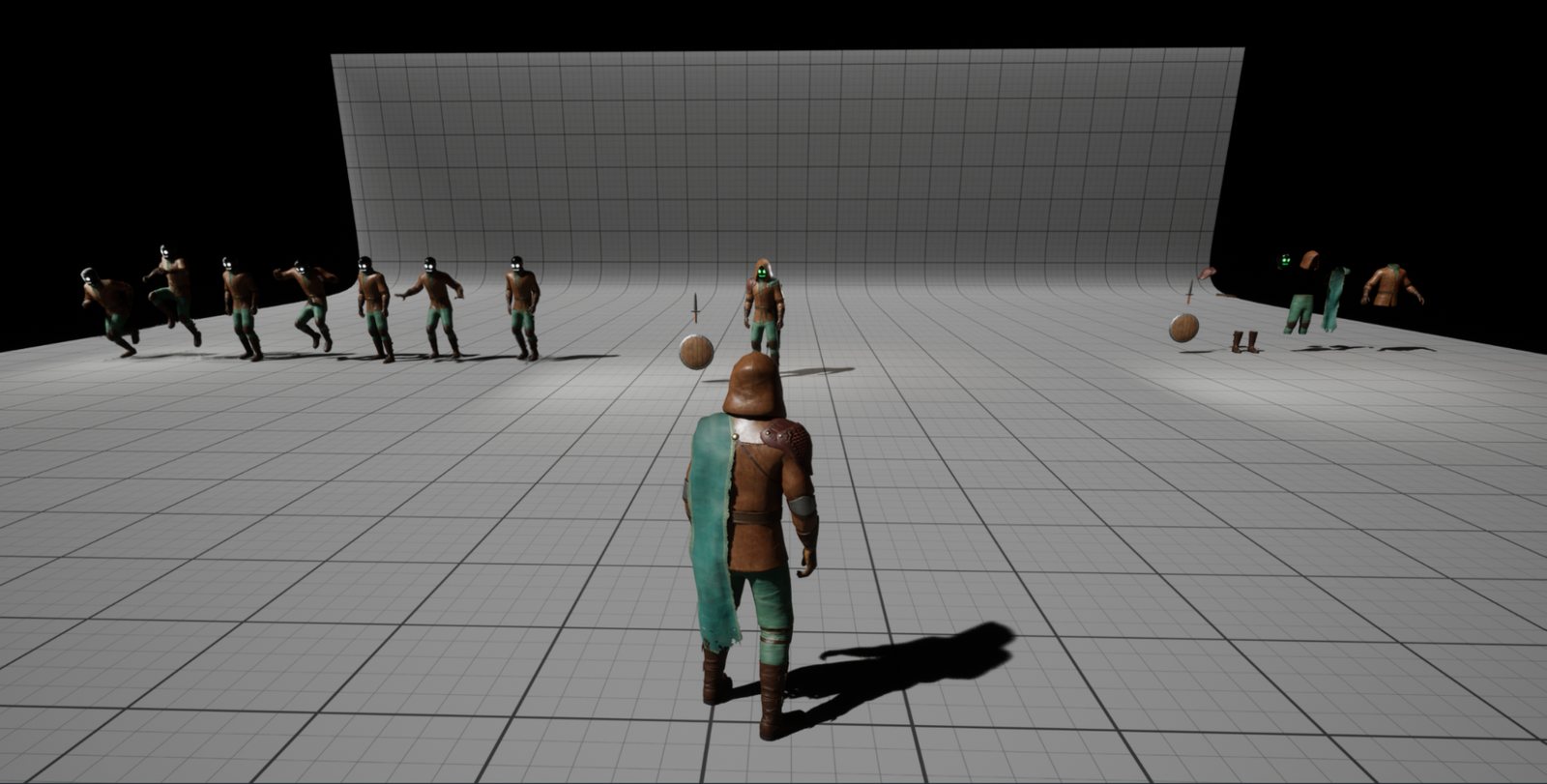
- The project opens on its default level, the preview map (
RoguePreviewMapinRogueCharacter/Maps), where you can look the character over. - Open
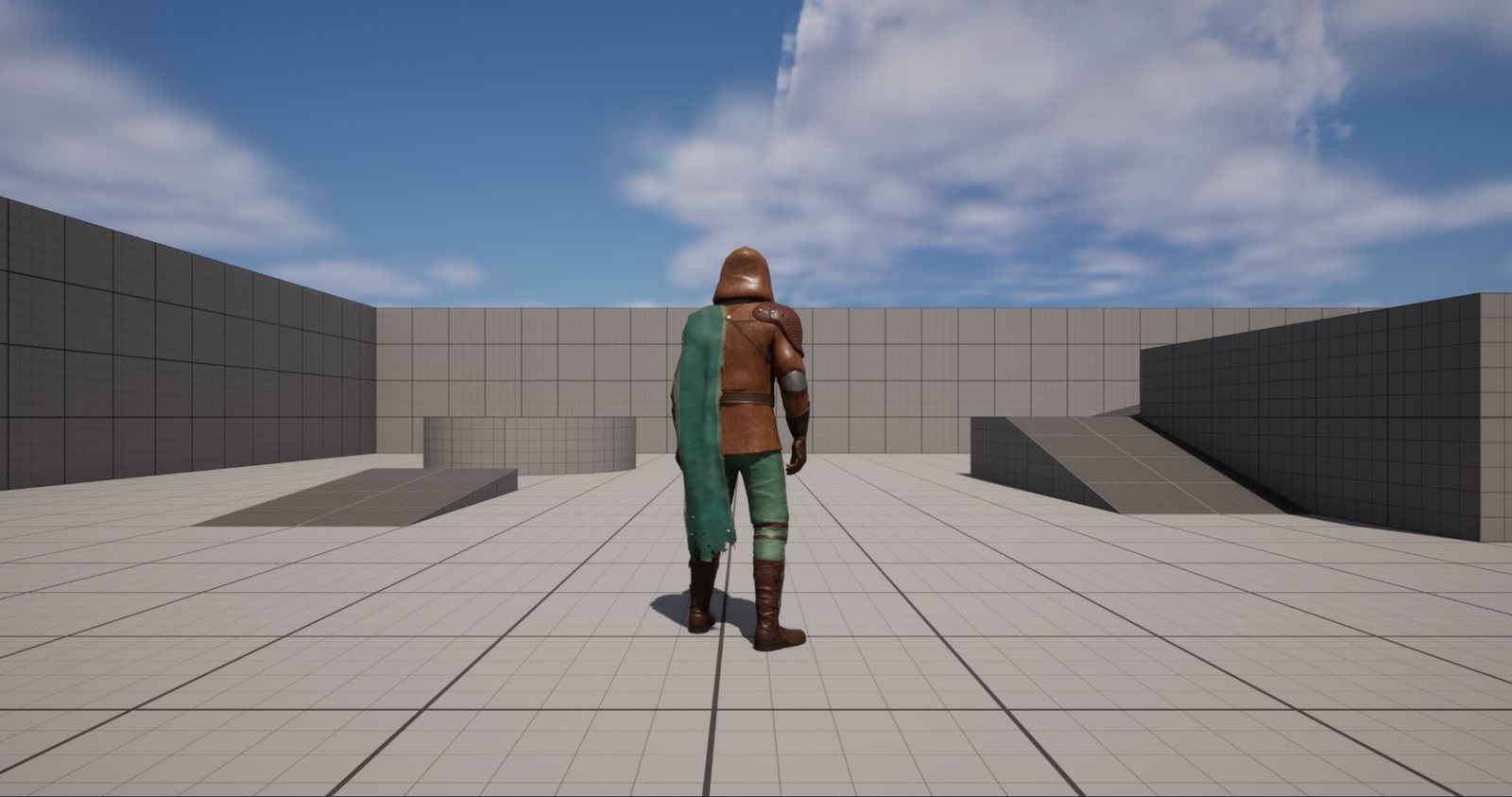
ThirdPersonMapto see him in the Third Person template level.
What is where
The download has two parts:
FBX file
The character as an FBX, for use outside Unreal or in your own pipeline.
UE 5 folder
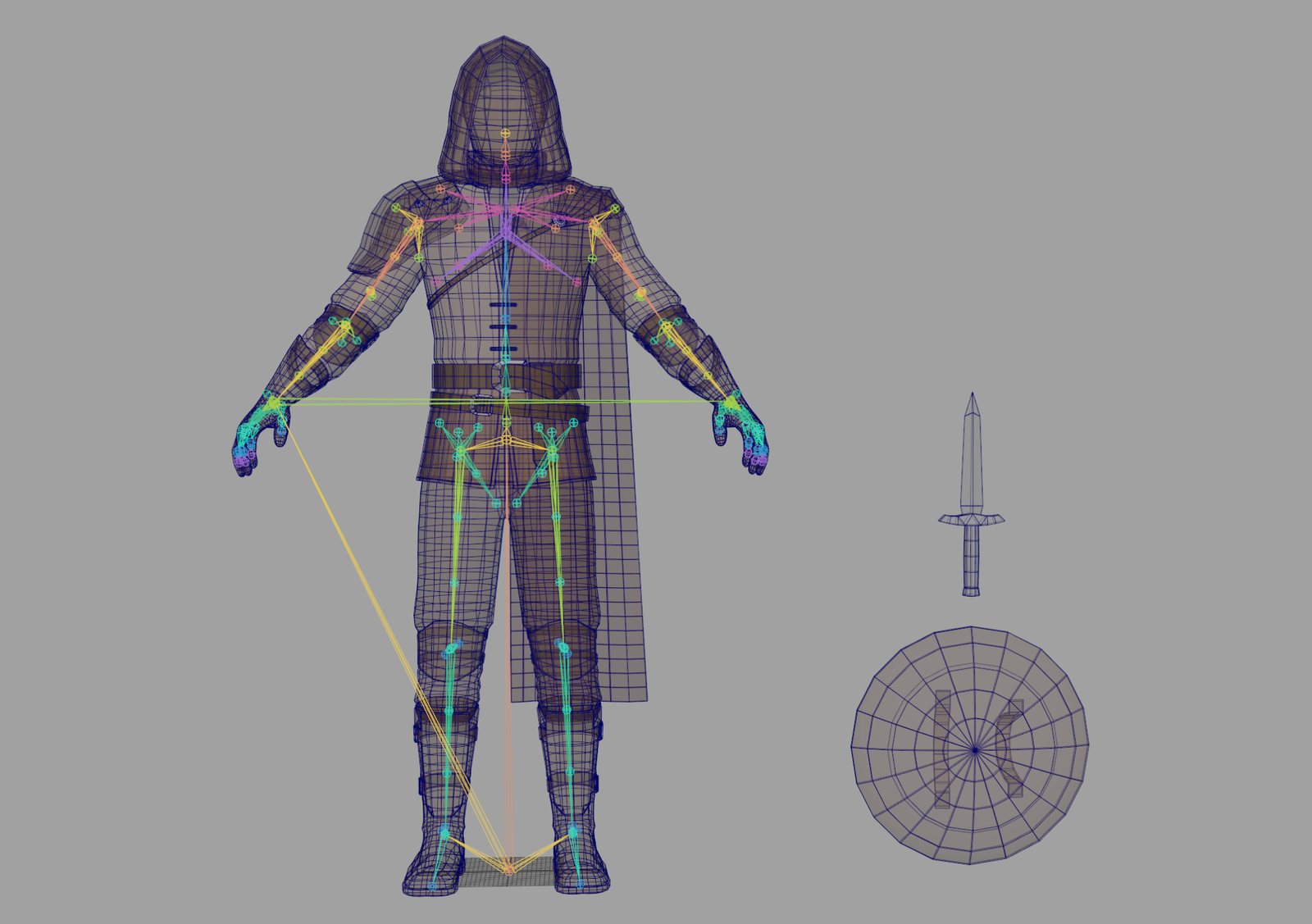
The Unreal Engine 5 project with the character, its materials and the levels above. Everything sits in Content/RogueCharacter.
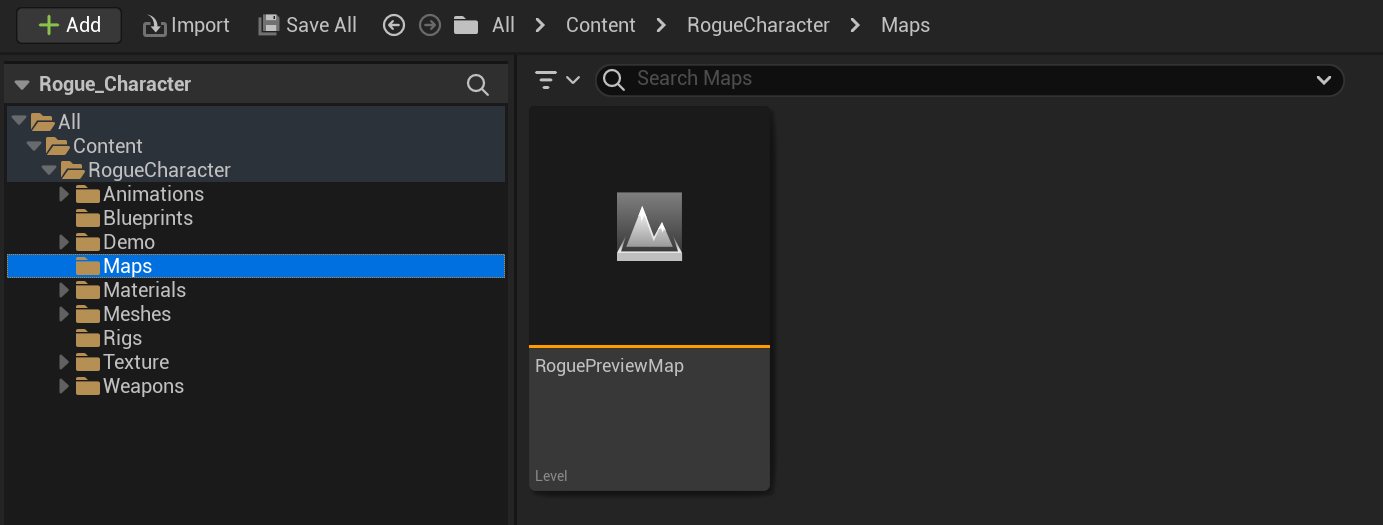
RogueCharacter/MapsFolder structure
RogueCharacter holds nine folders: Animations, Blueprints, Demo, Maps, Materials, Meshes, Rigs, Texture and Weapons.

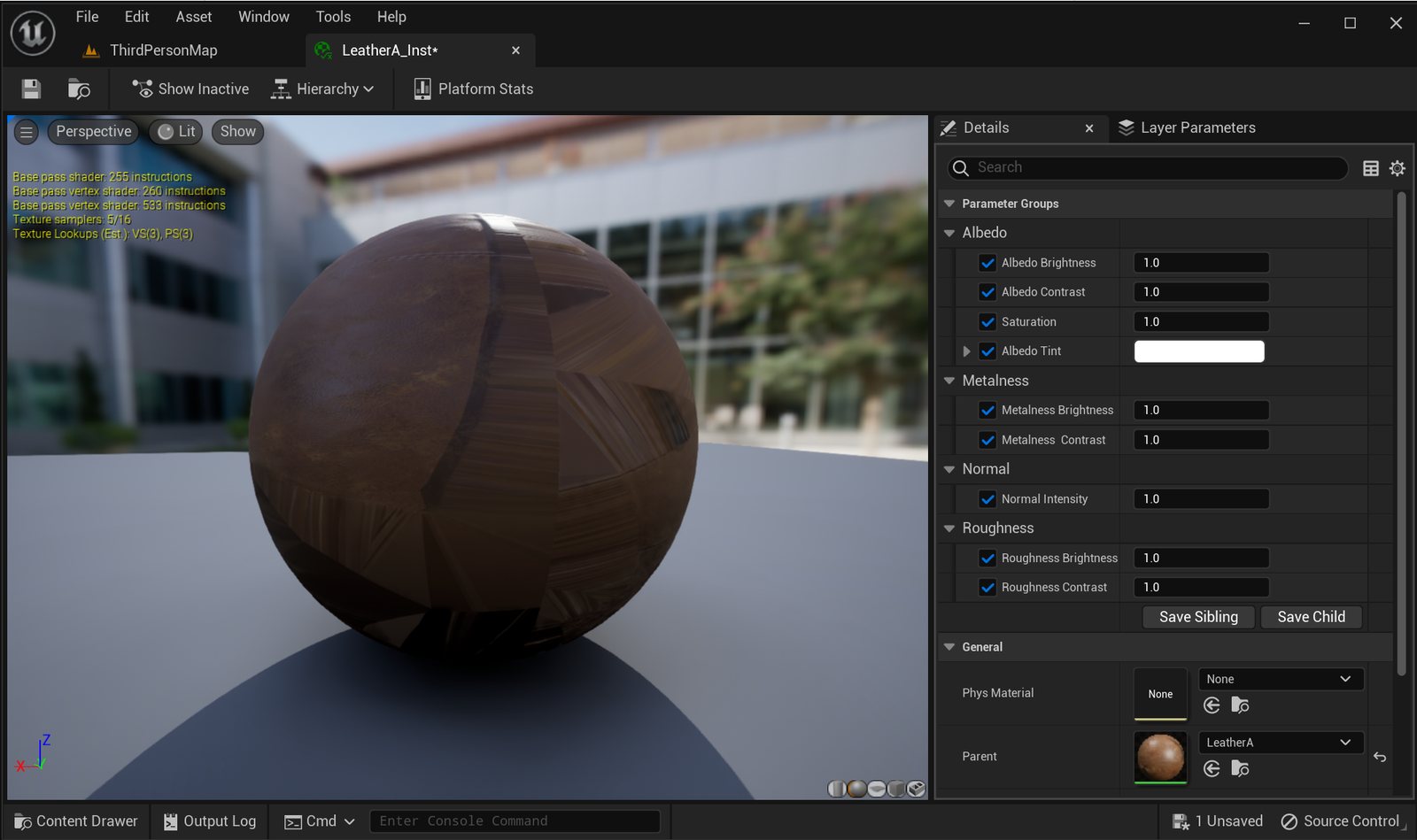
Adjusting materials
All material instances include adjustable parameters for every texture map.
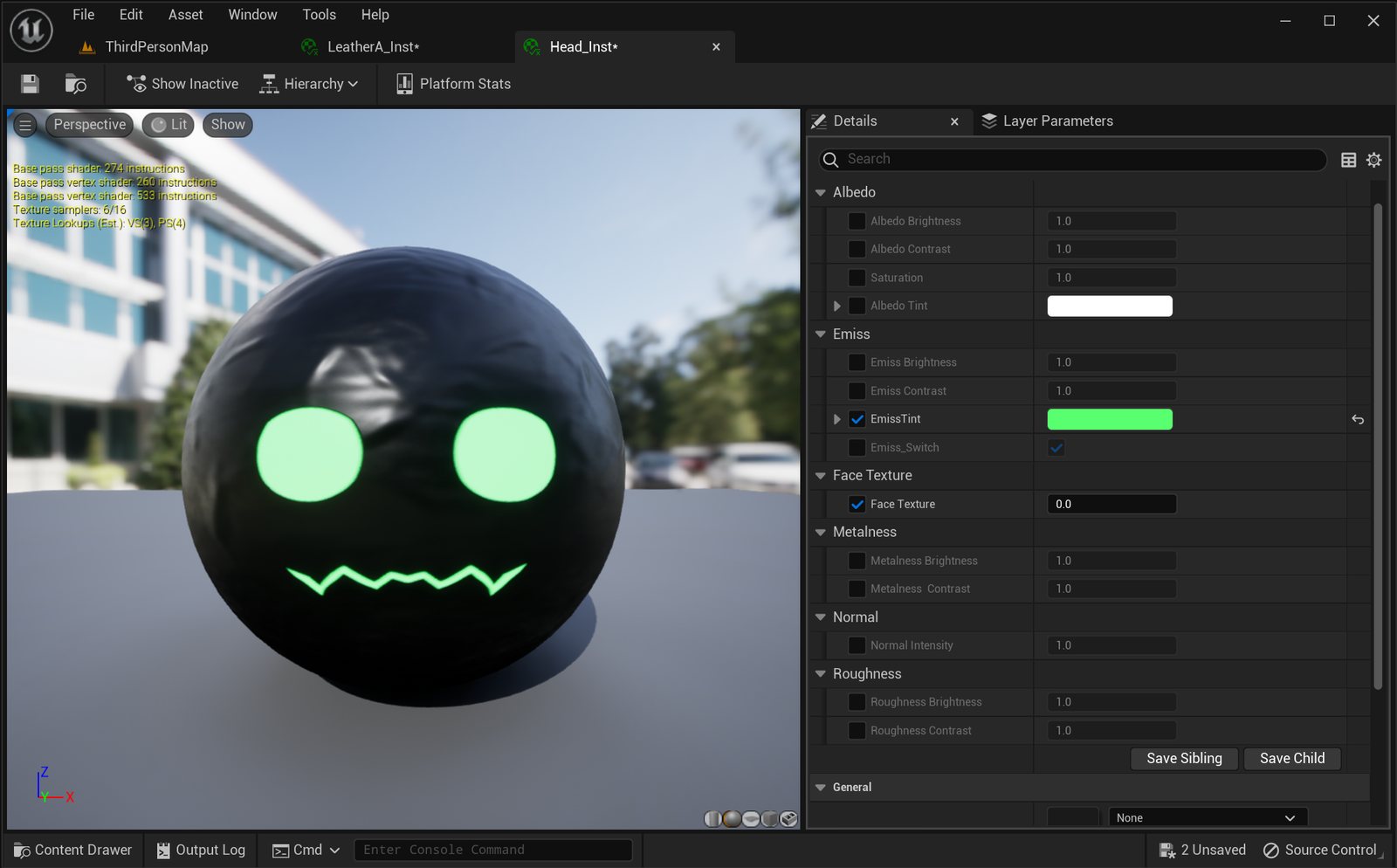
Head material
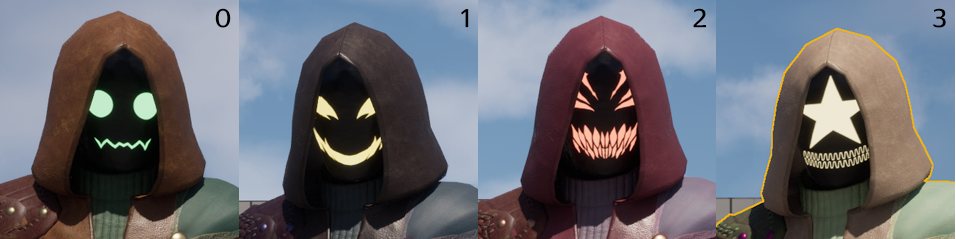
The head material includes an emissive tint and a face texture parameter that switches between four face variants, indexed from 0 to 3.
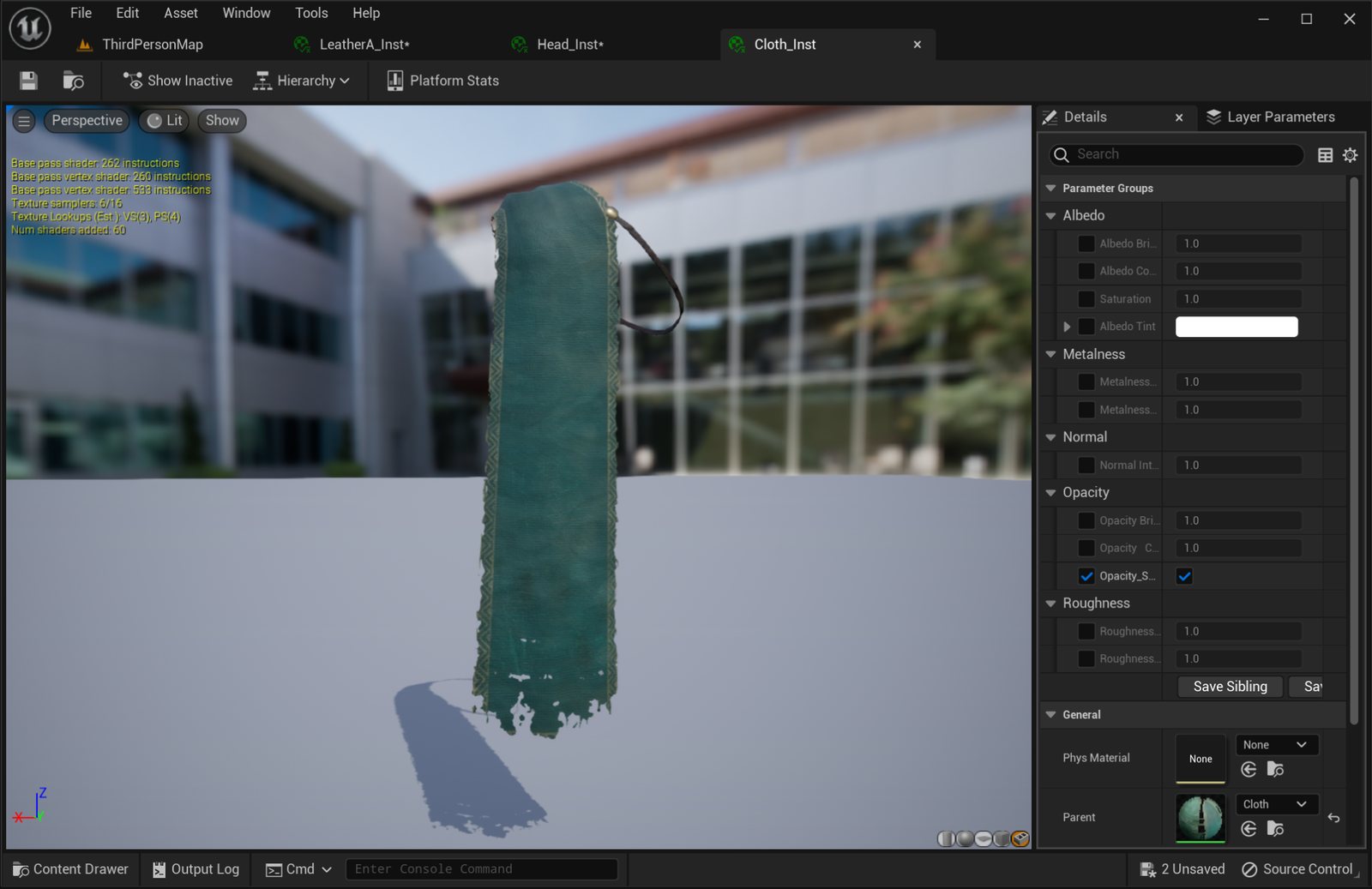
Cloth material
The cloth material includes an opacity toggle that turns transparency on or off.
Questions
Ask in our Discord or write to us through wandersols.com/contact. More characters are on wandersols.com.